Card Rush: Rip & Flip Beta
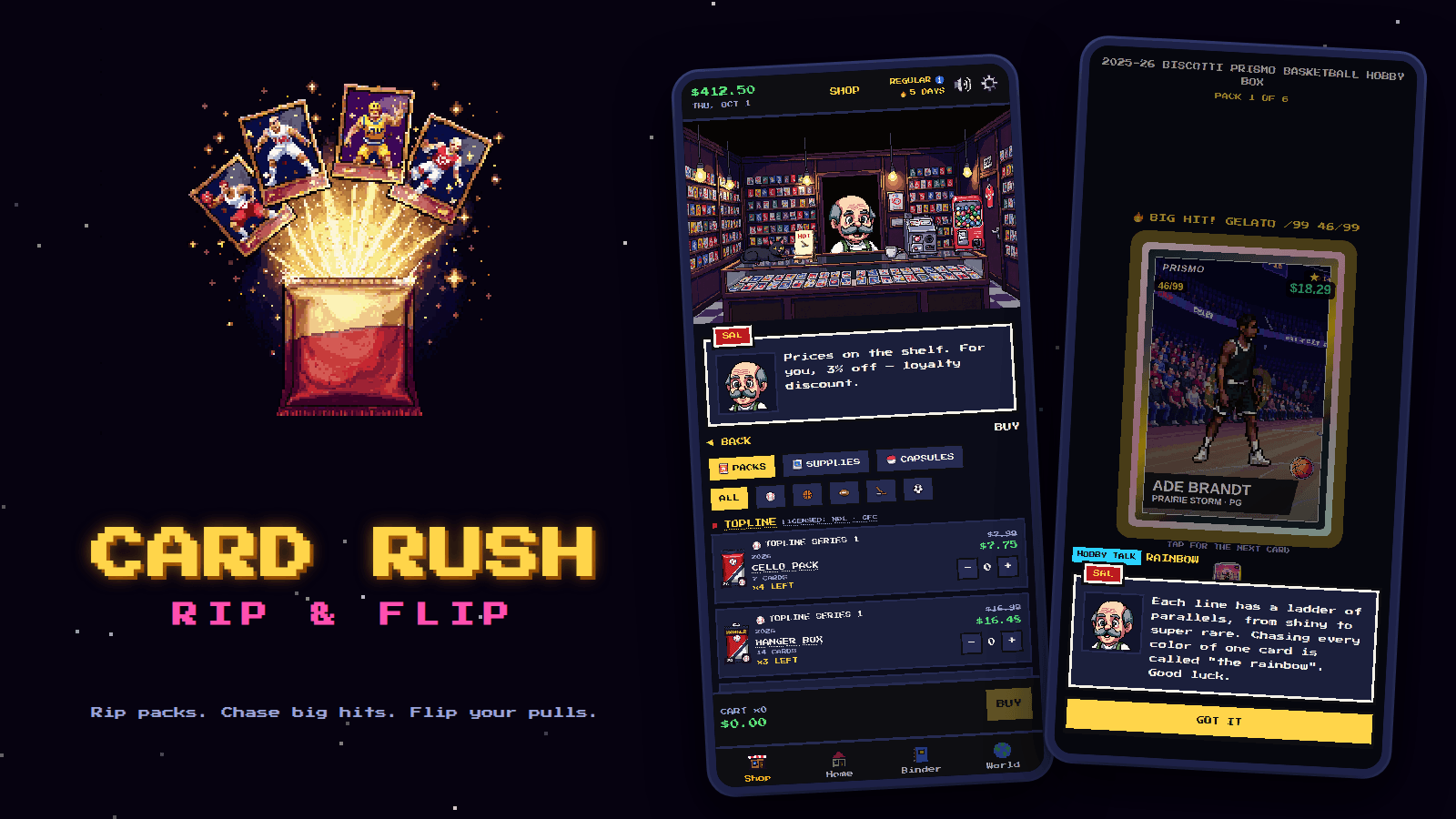
Run to the corner card shop, rip packs, and flip your pulls.
- collecting, simulation
- About 10 min a session
- Ages 8+
- Plays on phone, tablet, desktop
- Controls: mouse, touch
About Card Rush: Rip & Flip
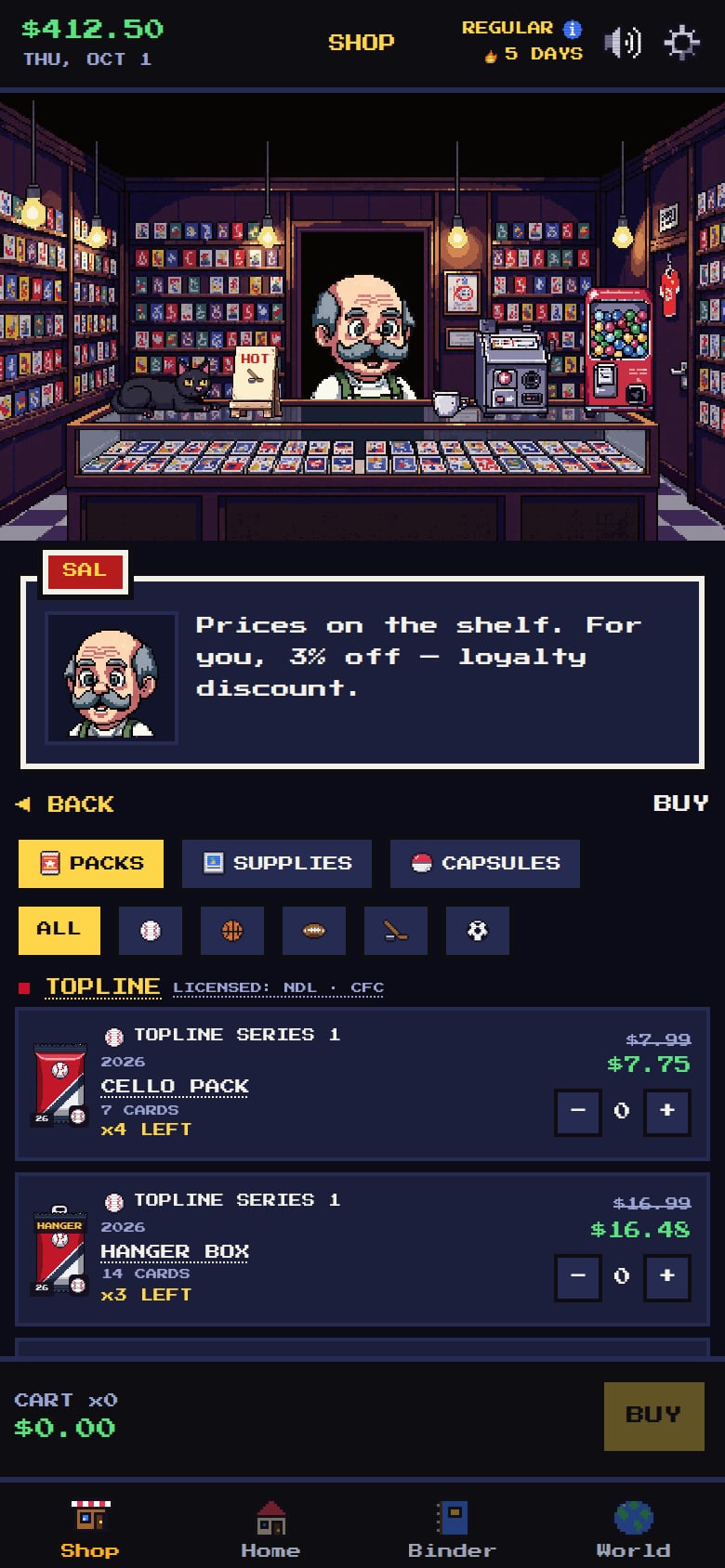
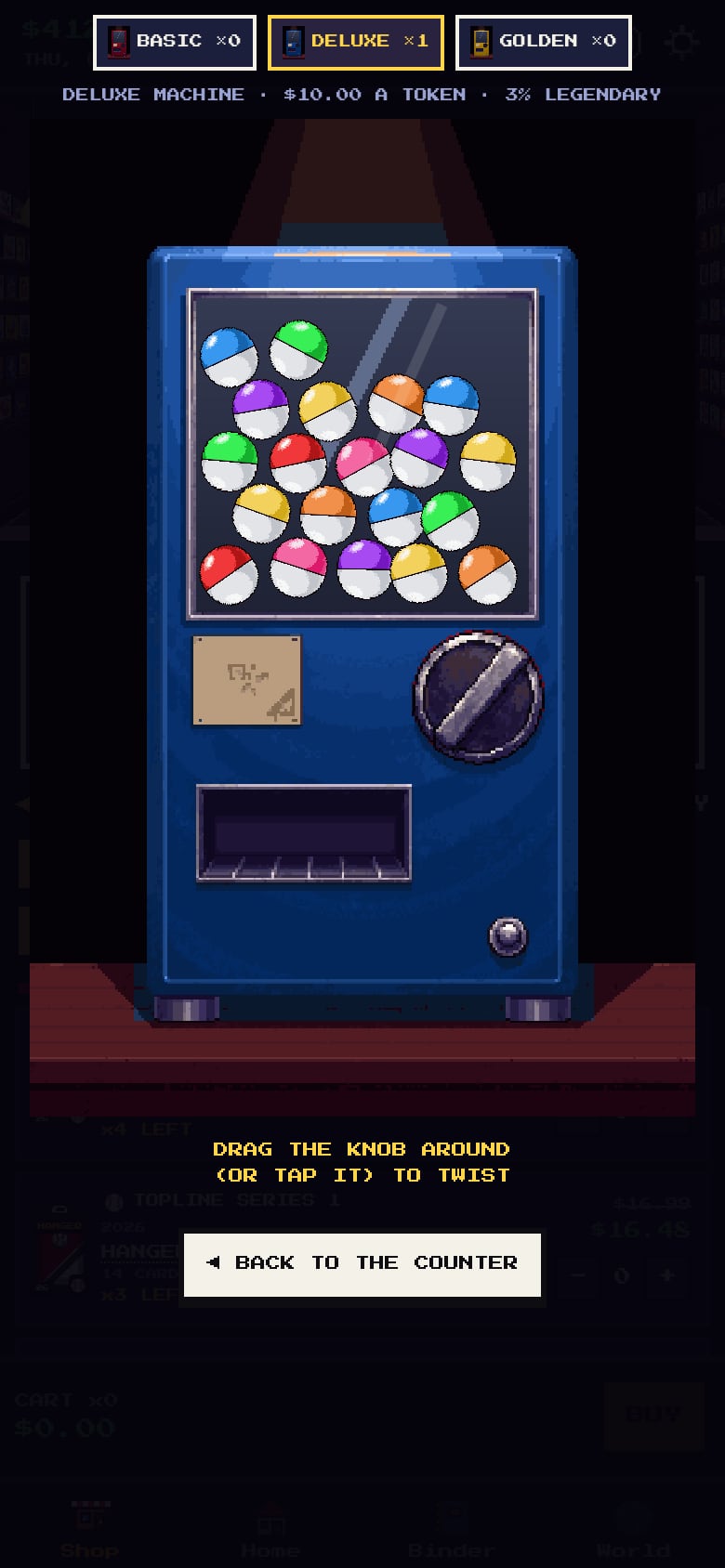
Card Rush is a pixel-art trading card game about the corner card shop. Visit Sal once a day to buy packs, sell your pulls and trade with him and the collectors who drop by, then head home to rip your packs open and chase the big hits. Card prices rise and fall with the news from four fictional sports leagues, so a rookie you pulled last week might be worth a fortune today.
What to test in build 0.3.50
Your cash now counts up or down to its new amount instead of jumping, and pack and box totals count up when you finish opening. Everything else works the same as before.
- Cash that countsBuy, sell or trade something and watch your cash at the top of the screen. It should count to the new amount in under a second and land on the right number. Finish a pack or a box and watch the total count up. If you turned on Reduce Motion in Settings, the numbers should just change with no counting. Did any number land wrong, feel too slow, or keep moving?
- Saves still loadOpen the game with the save you already have. Your cards, cash and progress should all be there, and keep saving as you play. Did anything go missing or reset?
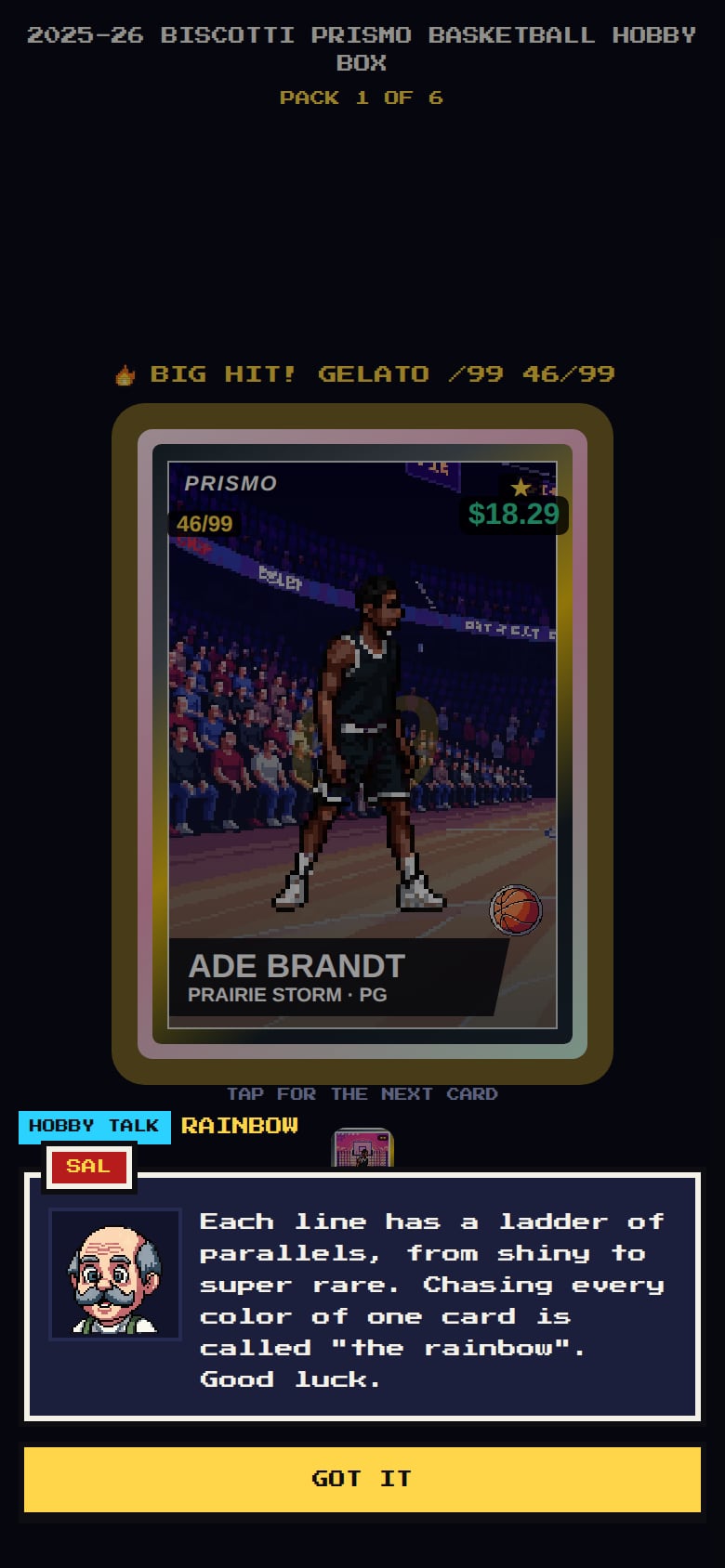
- Player poses look rightRip packs in every sport and look at the action poses and case hits. Every player should have two arms and two legs, with no extra shoe, glove or ball floating in the picture. Did you spot any player that still looks wrong?
- No repeats in a packRip packs, boxes and hangers. You should never see the same player twice in one pack, not even a base card and a shiny version of the same player. Did you spot any repeats?
- Reusing sleeves and casesOpen a card in the Binder and take its sleeve or case off. It should go back in your drawer for another card. Upgrading a card's holder or sending it to grading should give the old holder back. Selling or trading a card still sends its case with it. Did any holder go missing or show up twice?
- Card backgroundsRip some packs and look at the stadium behind each player, both in the small binder view and when you tap a card to see it big. The stands should look level and the player should stand on the field, like a real card photo. Does any card look tilted, cut off or odd?
- More card artThere are many more player faces, action poses and venues now. Do players on the same team look different from each other? Does anything look blurry, repeated too often or out of place?
- Smaller textText is now smaller everywhere by default. Is it still easy to read on your screen? If not, try Settings > Display > Text size: Normal, Large or Larger. Does anything get cut off or overlap at any size, especially in Sal's shop?
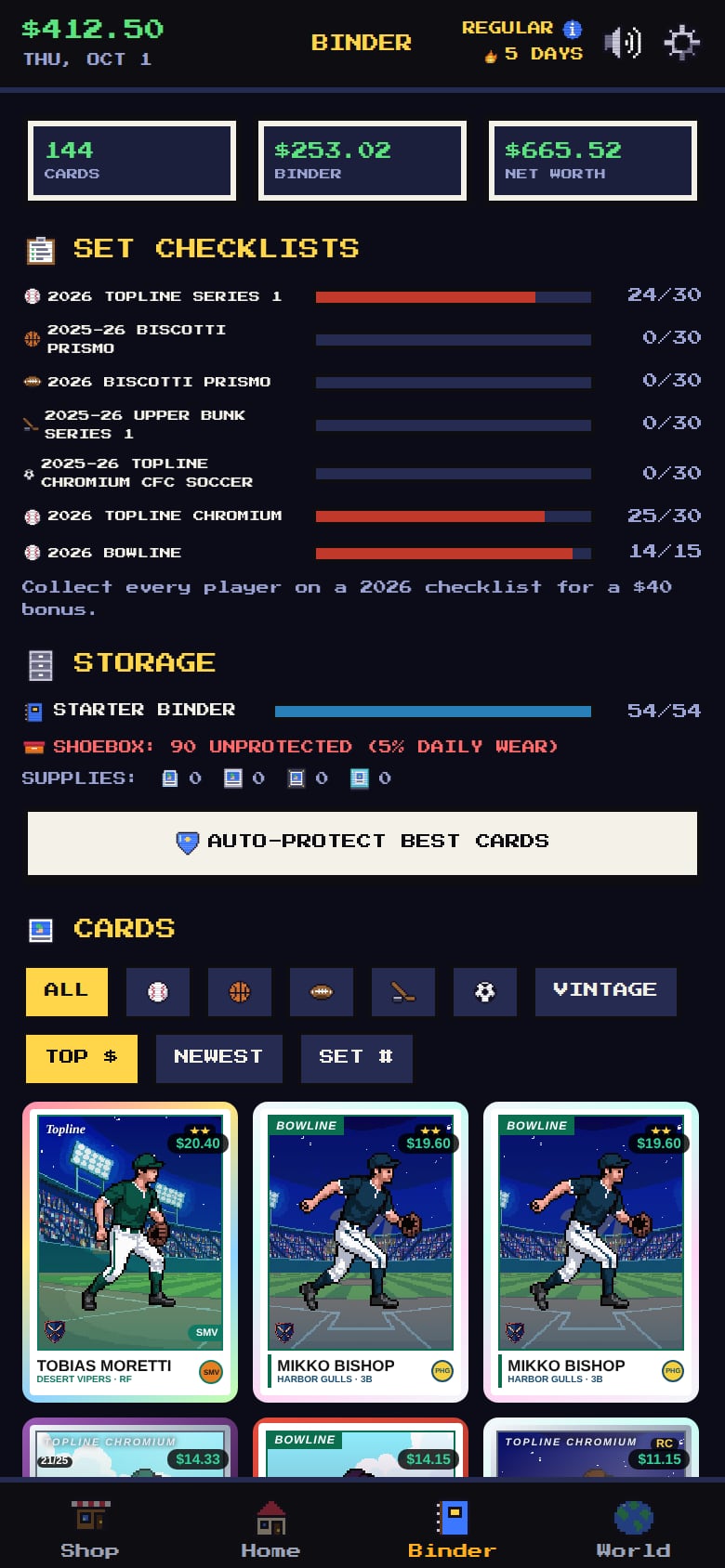
- Card holders in the BinderOpen the Binder. Each card now shows in what it's kept in: a penny sleeve, a toploader, a One-Touch, a UV case or a shoebox. Can you tell them apart? Try the filter by holder. Does it find what you expect?
- Trinket popupTap a trinket on the shelf on the Home tab. Its details now open in a popup instead of a panel under the cabinet. Is it easy to read and close?
Screenshots
Known issues
Already on our list, so no need to report these.
- Music and sound start after your first click or tap (a browser rule).
- Your collection is saved in this browser only; another browser or device starts a new game.
- Settings > Skip to tomorrow is a testing shortcut and won't be in the released game.
- The Feedback button floats in the middle of the screen just above the bottom bar, so it can cover part of a list until you scroll.
- Box opening hasn't been tried on every phone yet: if the box lid looks wrong or stuck, please send a screenshot.
How to give feedback
- Play the build in your browser. No install needed.
- Tap the Feedback button in the corner whenever something is confusing, broken or fun. It grabs a screenshot so you don't have to describe everything.
- Answer a few quick questions when you finish a session.
Kids and families
Kids can play with a parent's account. A parent signs up first and adds them from the account page. We email the parent exactly what we collect, and nothing is collected until they confirm.