Spell Rhythm Prototype
Spell words on the beat and the robot raps your spelling.
- rhythm
- About 8 min a session
- Ages 6+
- Plays on phone, tablet, desktop
- Controls: touch, mouse, keyboard
Prototype phase: play Spell Rhythm at least once now and you get a free unlock of it.
About Spell Rhythm
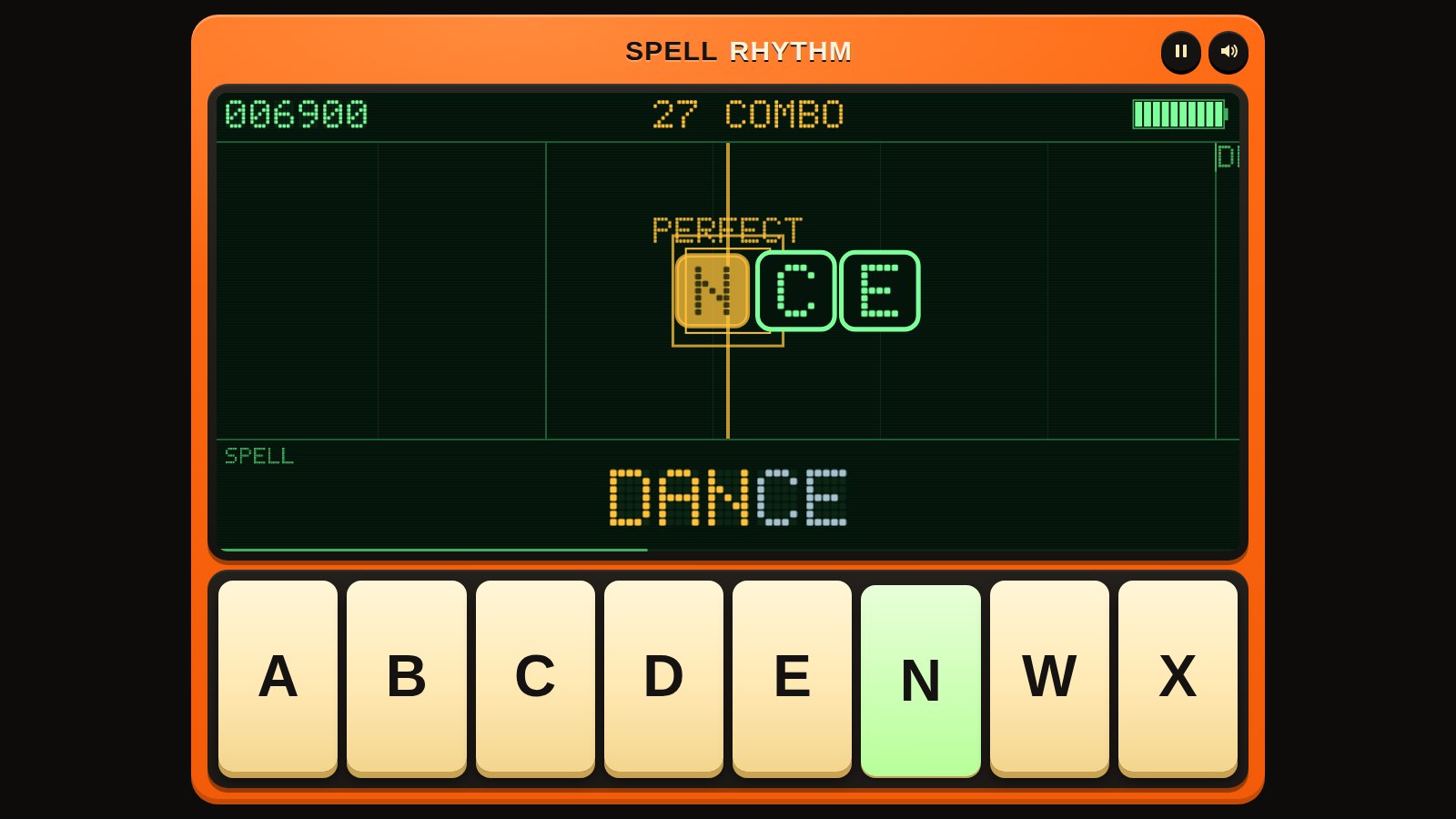
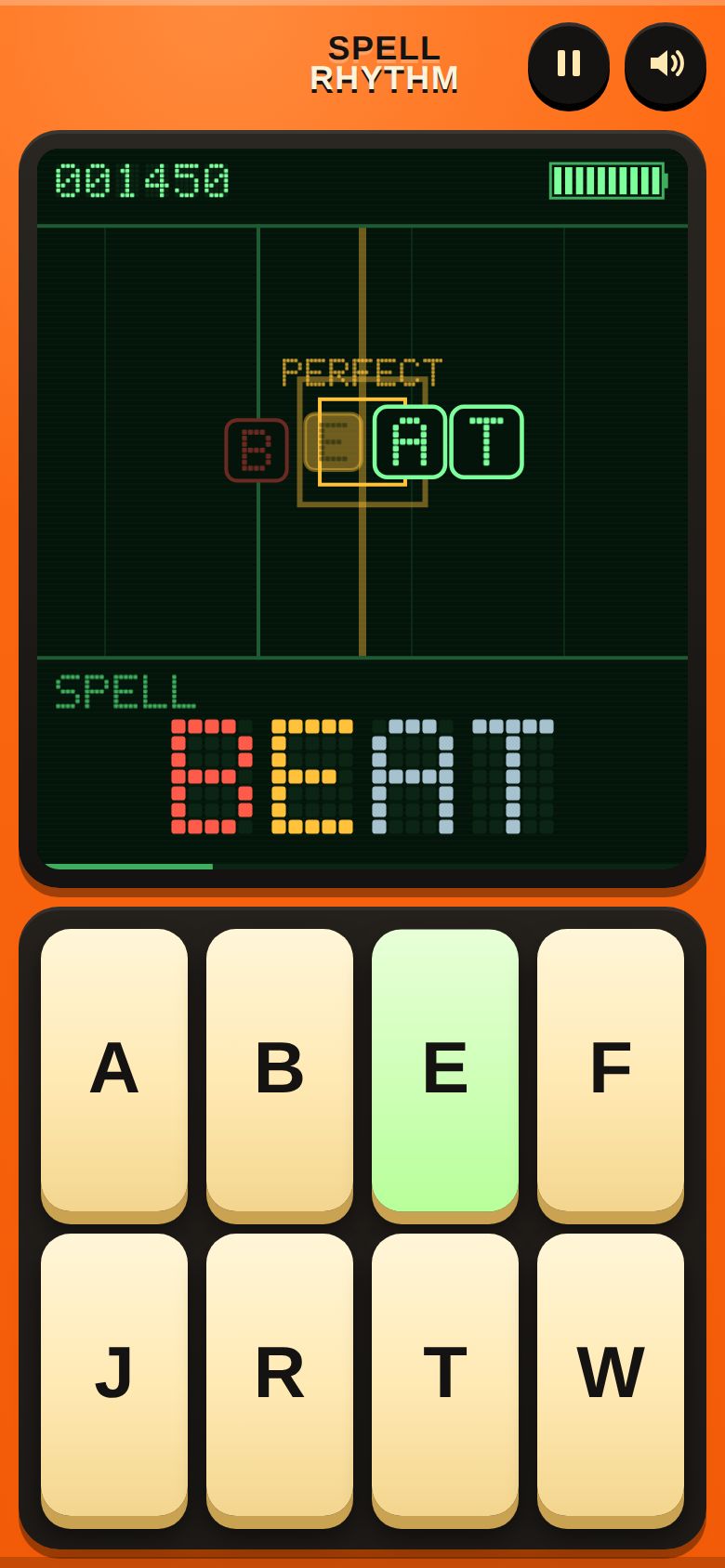
A chunky orange talking toy that wants to make music. The robot calls out a word on the beat, then you tap its letters on big pads as they slide into the line, and the robot says every letter you hit in time, so a perfect run sounds like "J-U-M-P, JUMP!". Three songs from easy to hard, a practice mode at 75% speed, a KID ASSIST mode for young players, and a combo to chase.
What to test in build 0.1.2
New KID ASSIST mode on the song list (60% speed, much easier timing, the next pad lights up, the power never runs out). The hit box is now in the middle of the display, the score, combo and power meter fit on narrow phones, and letters still to tap are easier to see. OUT OF POWER now offers PRACTICE 75% and KID ASSIST. Screen reader announcements, reduced motion support and pausing during the count-in are fixed.
- KID ASSISTTurn on KID ASSIST on the song list and play ROBO BOUNCE. Could a young player clear it? Is the timing easy enough without feeling like it plays itself, and did the lit pad help find the next letter?
- Playing togetherTry ROBO BOUNCE with a younger and an older player side by side, one on KID ASSIST and one without. Did both of you clear it? Was it fun for both?
- The hit box in the middleThe box where letters land is now in the middle of the display. Is it easy to see when to tap, with either hand? Do PERFECT and GOOD still feel fair?
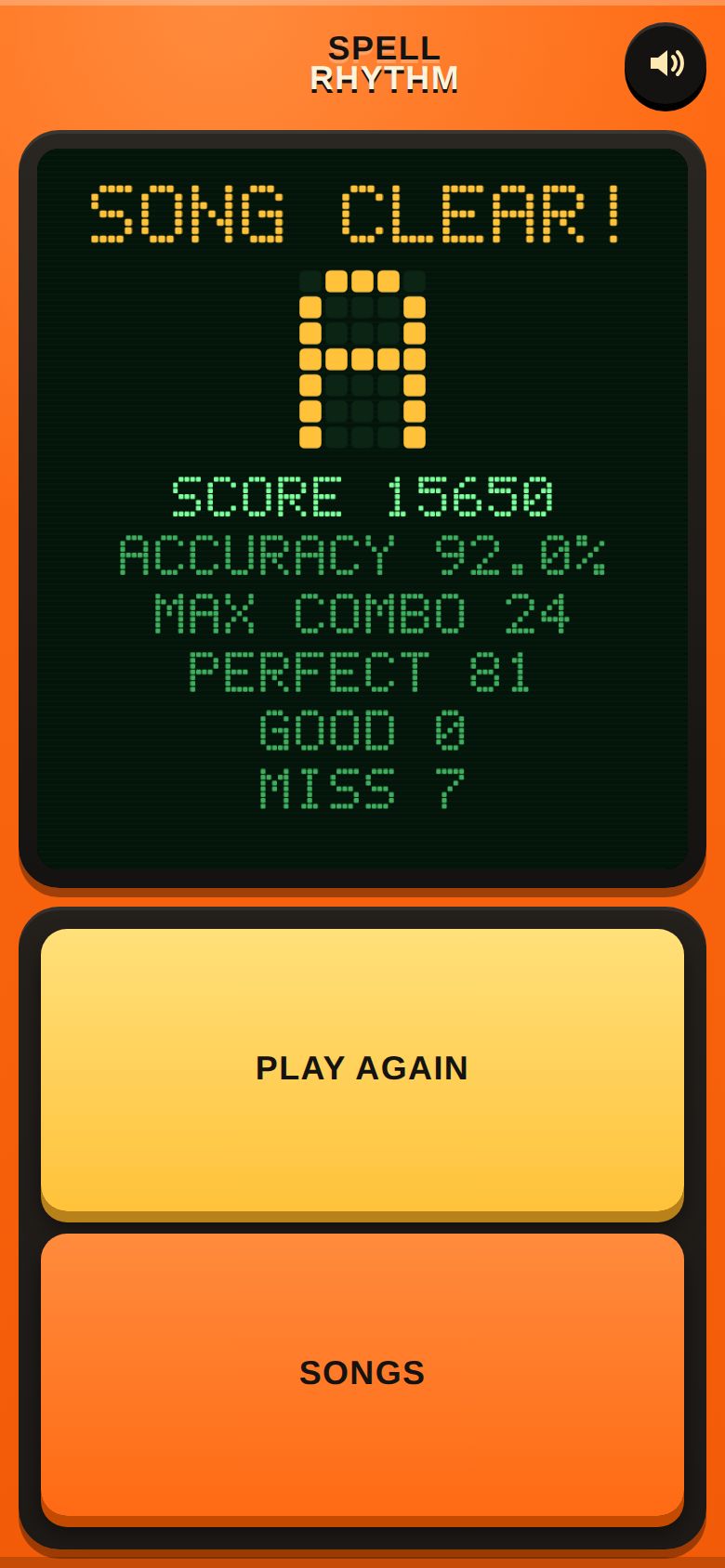
- Out of powerIf the power meter runs out, the game now offers PRACTICE 75% and KID ASSIST. Did you try one, and did it help you finish the song?
- Phone screenOn a phone, can you read the score, combo and power meter at the top while playing? Are the letters you still have to tap easy to see?
- Pause and resumePause a song, resume it, and pause again while the 1-2-3-4 count-in is running. Does the song pick up in the right place every time?
Screenshots
Known issues
Already on our list, so no need to report these.
- KID ASSIST and PRACTICE scores are kept separately from normal scores.
- Audio delay differs by device, and Bluetooth headphones add a lot of it. If your taps feel late, use CALIBRATE. The robot says a letter when you tap it, so on devices with a big audio delay the letters can sound a little behind the beat.
- Sound starts after your first tap; browsers require that.
- On iPhone the game plays sound even with the silent switch on, and pauses music from other apps while SOUND is on.
- Only three songs and twenty words so far, so words repeat.
- The letter pads are in alphabetical order and change for every word.
- Best scores and calibration are saved in this browser only.
- No vibration feedback yet.
- English only.
How to give feedback
- Play the build in your browser. No install needed.
- Tap the Feedback button in the corner whenever something is confusing, broken or fun. It grabs a screenshot so you don't have to describe everything.
- Answer a few quick questions when you finish a session.
Kids and families
Kids can play with a parent's account. A parent signs up first and adds them from the account page. We email the parent exactly what we collect, and nothing is collected until they confirm.