Tic Tac Gone! Released
Tic-tac-toe where your oldest mark vanishes, so someone always wins.
- puzzle
- About 10 min a session
- Ages 6+
- Plays on phone, tablet, desktop
- Controls: touch, mouse, keyboard
About Tic Tac Gone!
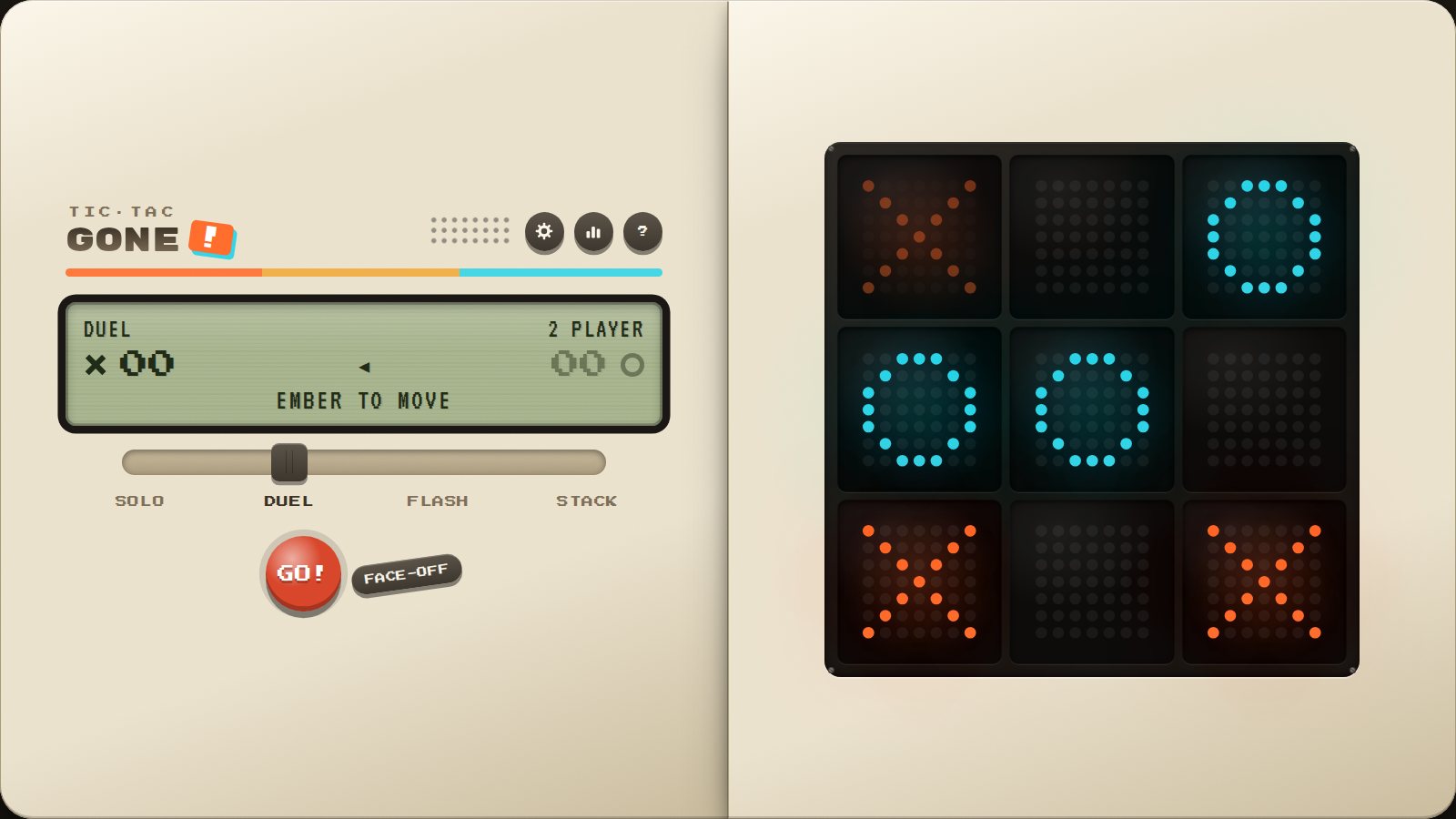
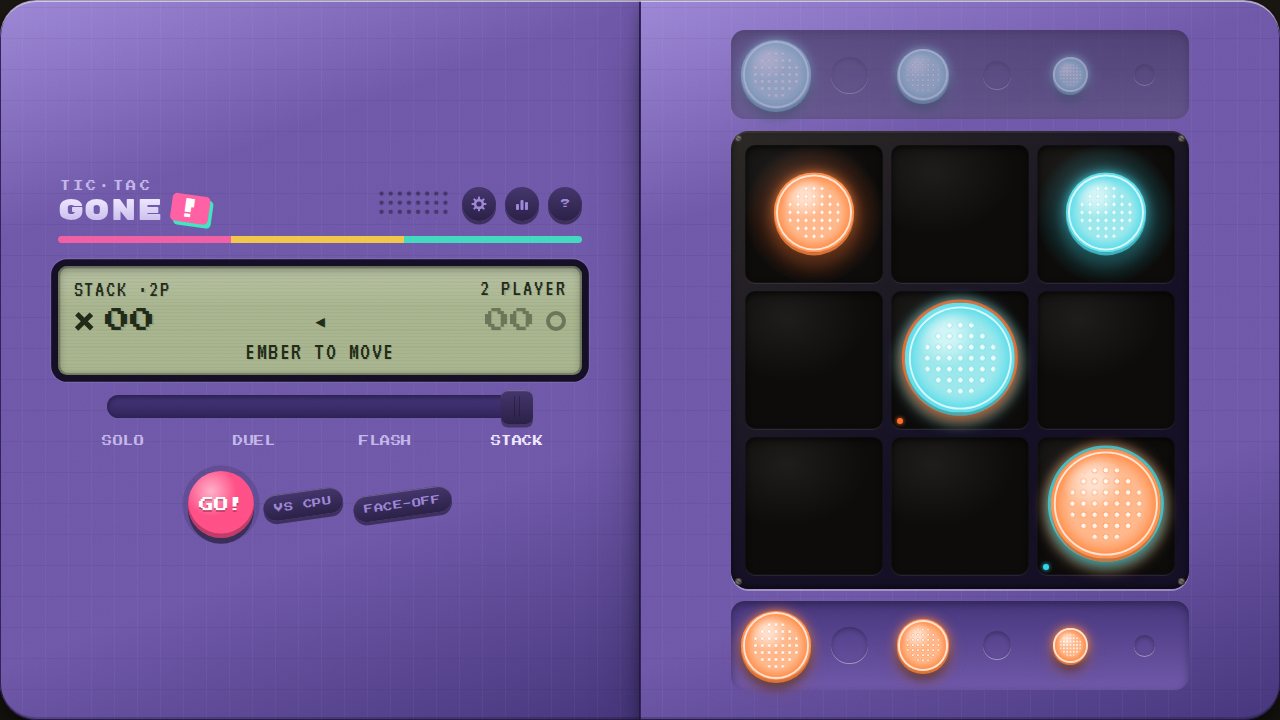
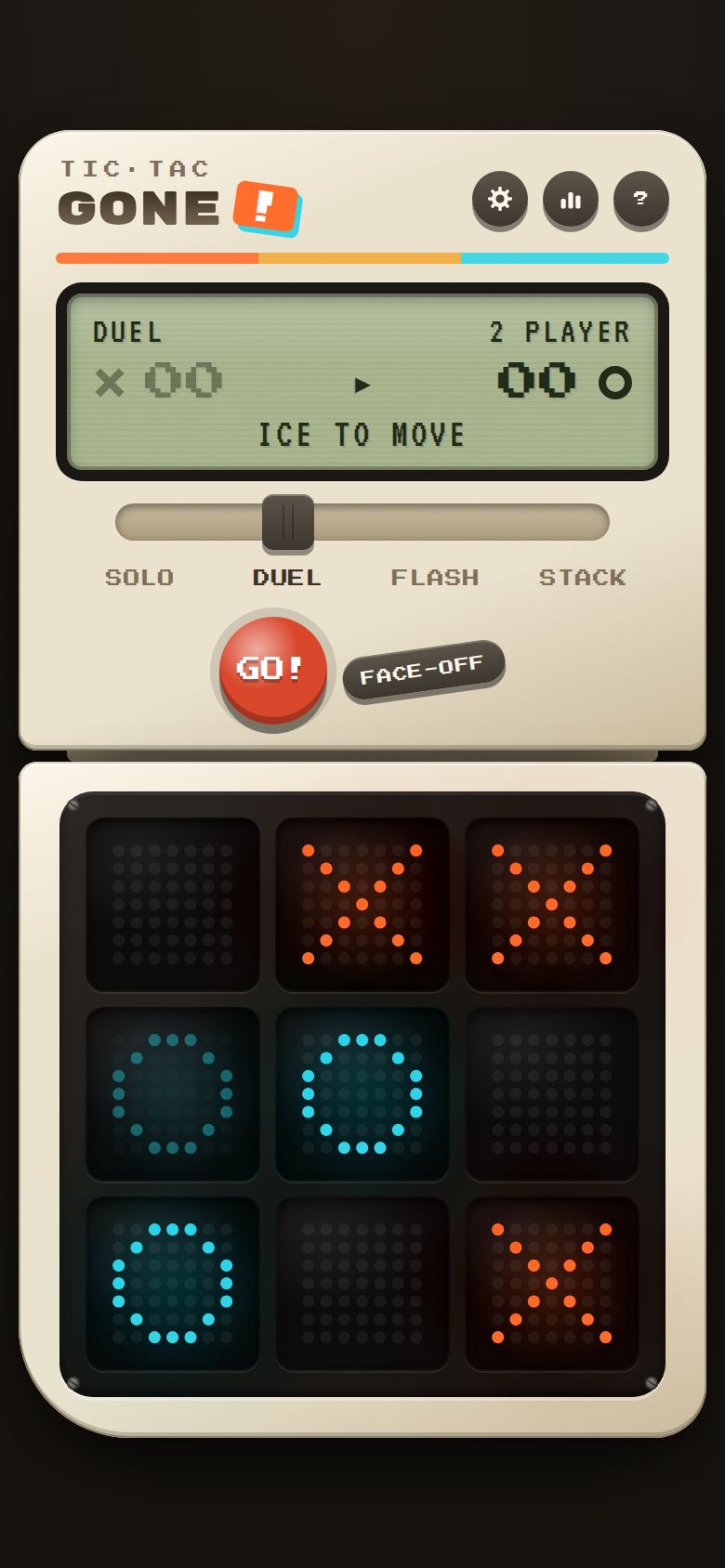
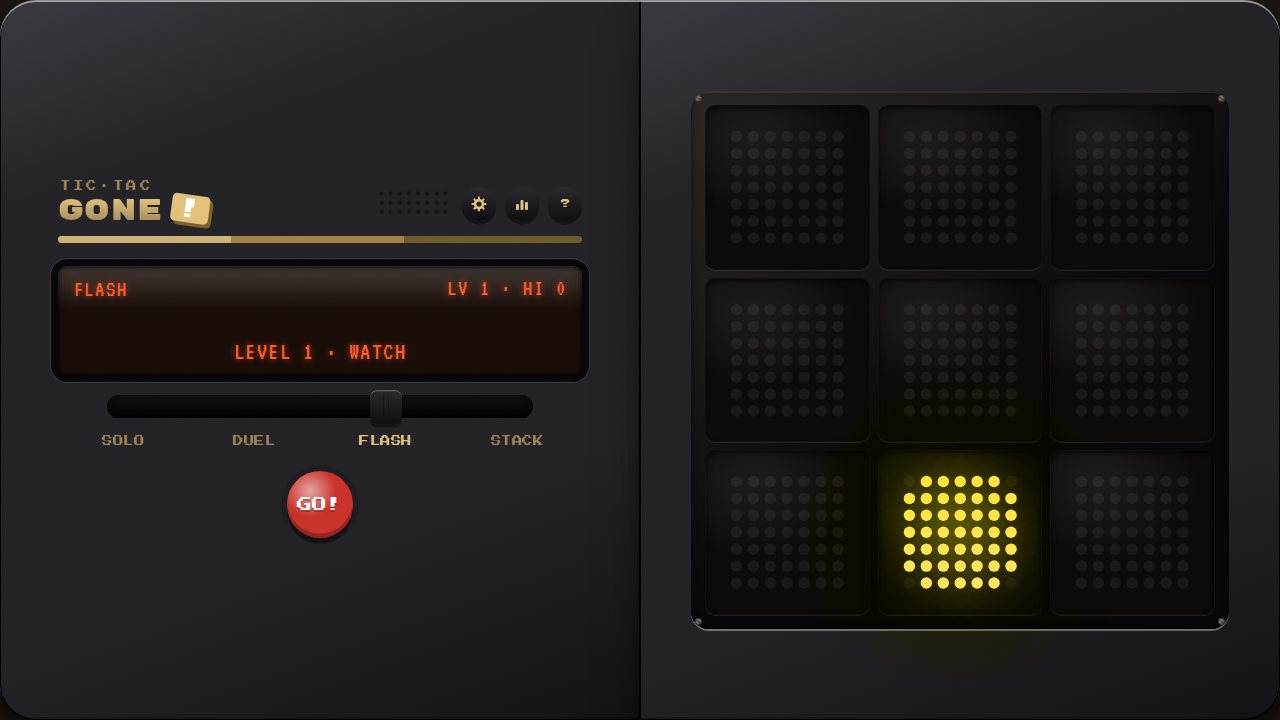
A retro pocket handheld with three games inside. In Tic Tac Gone! you only ever keep three marks: place a fourth and your oldest one disappears, so every game ends with a winner. Take on a robot that levels up each time you beat it, test your memory in Flash, or stack chunky pieces to swallow your rival's in Stack.
What to test in build 1.0.1
The game now follows the iPhone silent switch: with the switch on silent there is no sound, and sound comes back when you switch apps. Also recent: review fixes, tablets, phones held sideways and foldables.
- Tablets and big screensPlay on an iPad or Android tablet, upright and sideways. Does the console fill the screen nicely, or does anything look too big, too small or stretched? Is the board comfortable to tap?
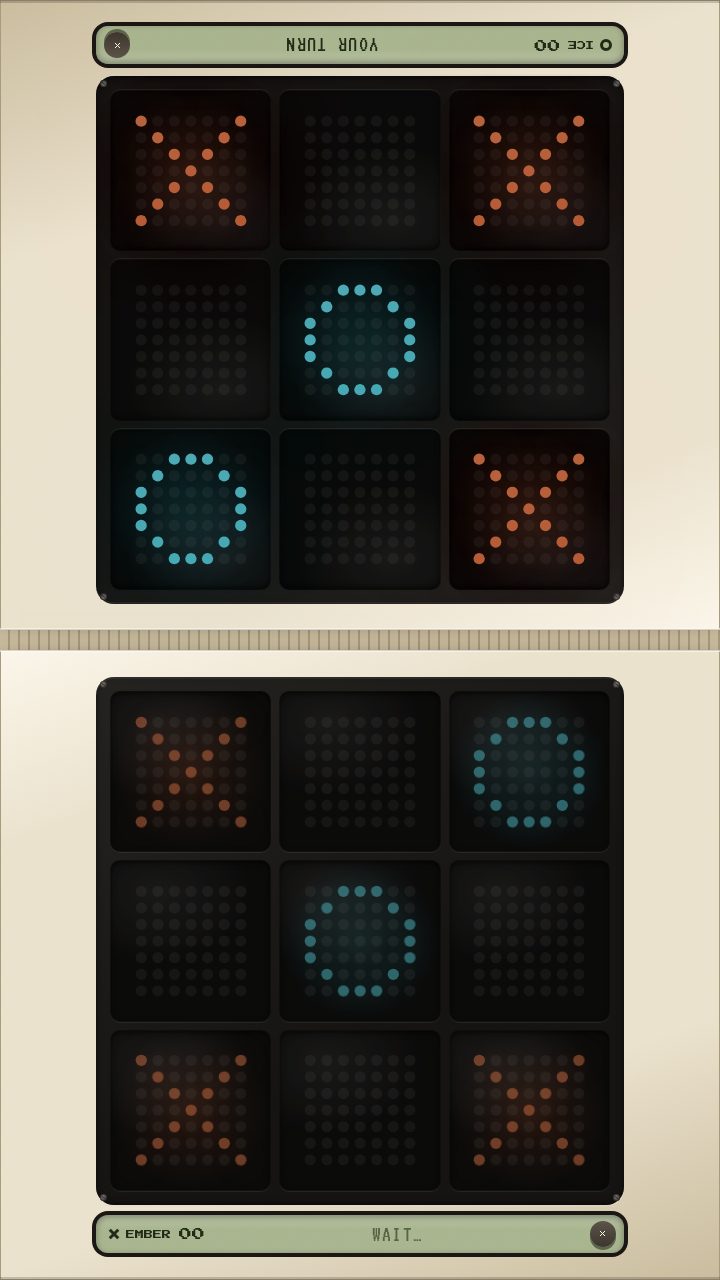
- Phones held sidewaysTurn your phone sideways during a game and in FACE-OFF. Is the board big enough to play? Is anything cut off, or hidden under the notch or camera?
- Foldables, folded and unfoldedIf you have a foldable, play folded, unfolded and half-open on a table, and fold or unfold in the middle of a game. Does the game keep going and pick a layout that makes sense each time?
- Small buttonsTap the small round buttons (settings, stats, help), the mode names under the slider and CPU LV on the screen. Do they all work on the first tap, without hitting a neighbour by mistake?
- The robot talks backPlay a few games against the robot, then switch ROBOT TALK to SNARKY in SETTINGS and play a few more. Could you understand the robot's voice? Did any line feel mean, confusing or repetitive?
- Picking up STACK pieces on a phonePlay STACK on your phone. Can you pick up every piece, including the small ones, on the first tap? Does tapping a piece then a square work every time?
- The vanishing rulePlay a few SOLO or DUEL games without reading the help first. Did you work out that your oldest mark disappears? Does the dim, blinking mark make it clear which one goes next?
Screenshots
Known issues
Already on our list, so no need to report these.
- On small phones the tray slots are about 36px, a little under the 44px usually recommended for fingers; the small pieces still look small even though their whole slot is tappable.
- On iPhone, game sound plays even on silent and pauses music from other apps while SOUND is on; Safari doesn't let a web page mix with other audio and ignore the silent switch at the same time. Turn SOUND off in SETTINGS to keep your music.
- No vibration on iPhone; browsers there don't allow it.
- Sound starts after your first tap; browsers require that.
- On iPhone Duo the fold isn't detected directly, so layouts are chosen from the screen shape.
- There is no guided first game yet; the ? button is the only tutorial.
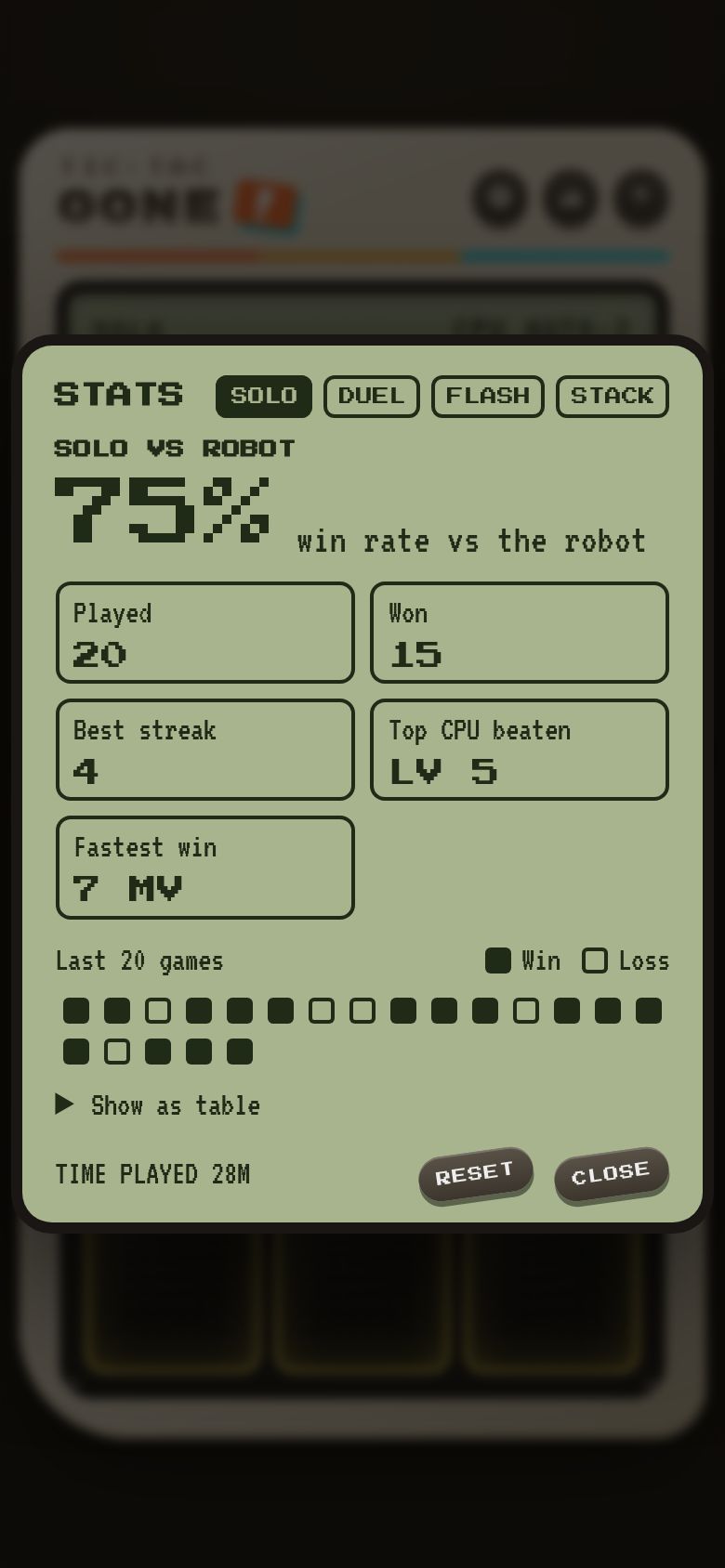
- Stats, scores, robot level and settings are saved in this browser only and reset if you clear site data.
- Stats only count games finished in this build or later.
- Face-off is for 2-player DUEL and STACK only; SOLO and FLASH are single-player.
- The robot's lines are English only.
How to give feedback
- Play the build in your browser. No install needed.
- Tap the Feedback button in the corner whenever something is confusing, broken or fun. It grabs a screenshot so you don't have to describe everything.
- Answer a few quick questions when you finish a session.
Kids and families
Kids can play with a parent's account. A parent signs up first and adds them from the account page. We email the parent exactly what we collect, and nothing is collected until they confirm.